

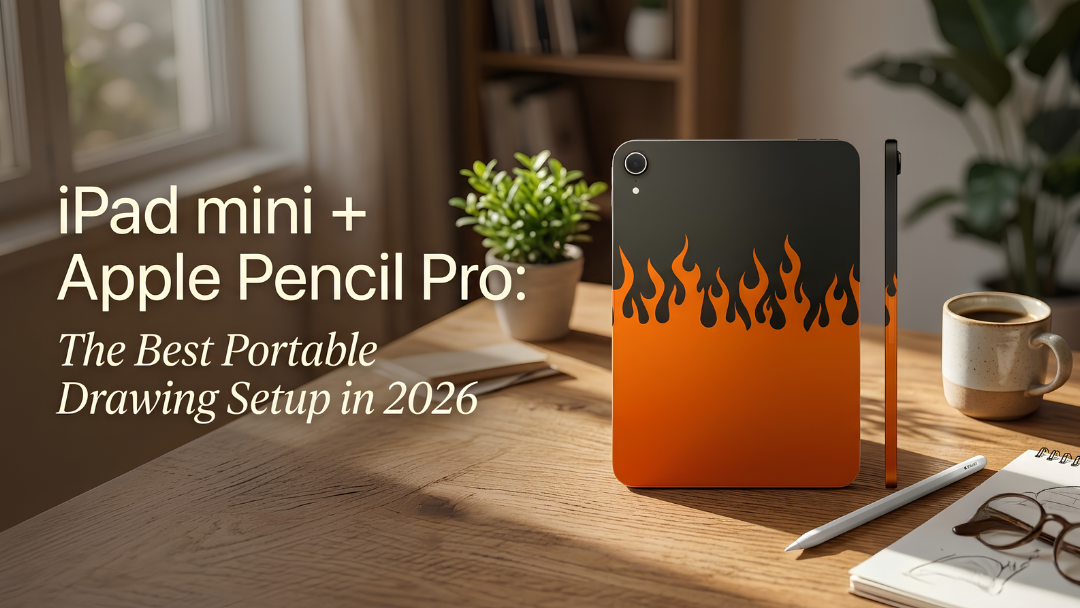
Artists love the iPad mini because it feels like a sketchbook: small enough to hold in one hand and take anywhere. Paired with Apple Pencil Pro, it becomes a serious portable drawing setup.
Why the iPad mini works for drawing
- Portability: it fits in a coat pocket or a small bag.
- Comfort: you can hold it like a sketchbook while you draw.
- Power: the A17 Pro model handles large canvases and many layers in drawing apps.
- Apple Pencil Pro support: both the A17 Pro model and Apple's new OLED iPad mini support it.

What Apple Pencil Pro adds
- Squeeze: squeeze the barrel to open a tool palette.
- Barrel roll: rotate the Pencil to rotate shaped brushes and pens.
- Haptic feedback: a gentle tap confirms actions.
- Hover: preview where your stroke will land before you touch the screen.
- Find My: find a lost Pencil.
- Pressure and tilt sensitivity for natural shading.
Set it up for drawing
- Attach the Pencil Pro magnetically to the side of the iPad mini to pair and charge it.
- In Settings, then Apple Pencil, choose what squeeze and double-tap do.
- Install a drawing app such as Procreate, Adobe Fresco or Apple's Freeform.
- Consider a matte screen protector for a paper-like feel.
- Turn on Do Not Disturb while you draw.

Tips for drawing on a small screen
- Use two-finger pinch to zoom in on detail, then zoom out to check the whole piece.
- Customise the squeeze palette with your most used brushes.
- Keep the iPad charged with a USB-C power bank when you draw outdoors.
A setup that looks like your art
Our hand-painted iPad mini comes in twelve colours from AED 3,085, and our Apple Pencil Pro in colours such as Blue Black and Metallic Silver. Try a Firestorm iPad mini for a bold, artist's setup.


