

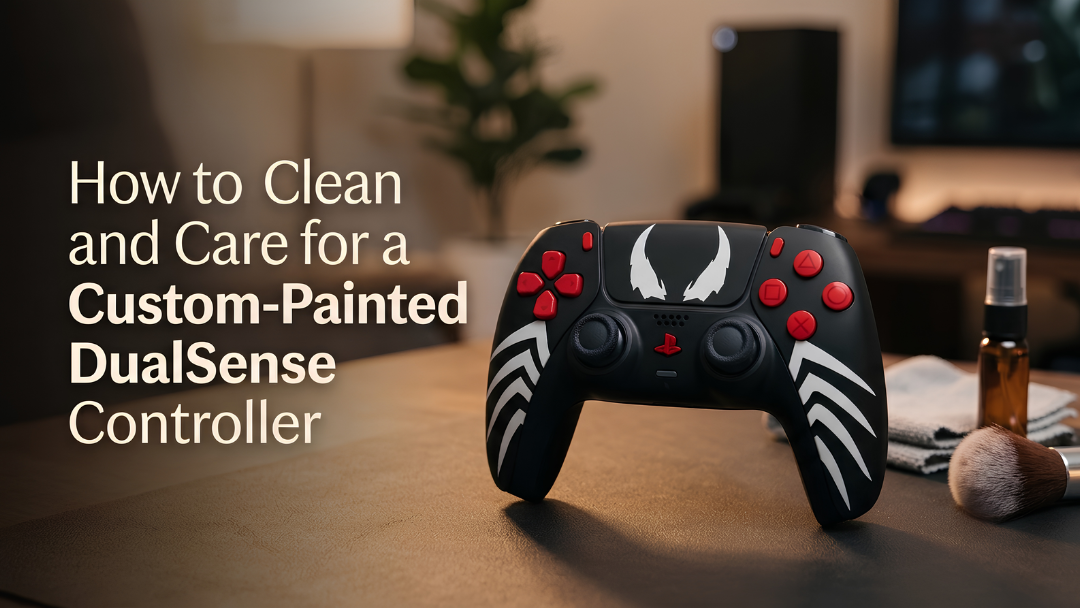
Controllers are handled for hours, so they pick up sweat, oil and dust. A quick clean keeps them hygienic and keeps a painted finish looking new. Here is how to do it safely.
What you need
- A soft, clean microfibre cloth.
- A second cloth, very slightly dampened with water.
- Cotton buds.
- A soft, dry brush, such as a clean soft toothbrush.

Step by step
- Turn it off and unplug it. Disconnect the USB cable before cleaning.
- Dust first: wipe the whole controller with the dry microfibre cloth.
- Remove marks: wipe gently with the slightly damp cloth, then dry straight away.
- Clean around buttons: use a dry cotton bud or a soft brush around the buttons, the touch pad edges and the gap around the sticks.
- Clean the sticks: wipe the stick tops with the damp cloth, then dry them. Rotate each stick while brushing around its base.
- Let it dry fully before you charge or play.
What to avoid on a painted controller
- Alcohol wipes, bleach and household sprays, which can dull or damage any painted finish.
- Spraying liquid directly onto the controller.
- Abrasive sponges or paper towels, which can leave fine scratches.
- Sharp objects in the gaps around buttons.

Everyday care
- Wash and dry your hands before long sessions.
- Store controllers away from direct sun, which can fade any colour over time.
- Do not leave them in hot cars.
- Use a stand or a drawer rather than tossing them on a hard table.
Our finish is built for gaming
Every Craft controller is painted in three layers and sealed with a scratch-resistant coat, designed for long gaming sessions. Browse our DualSense collection and DualSense Edge collection.


