

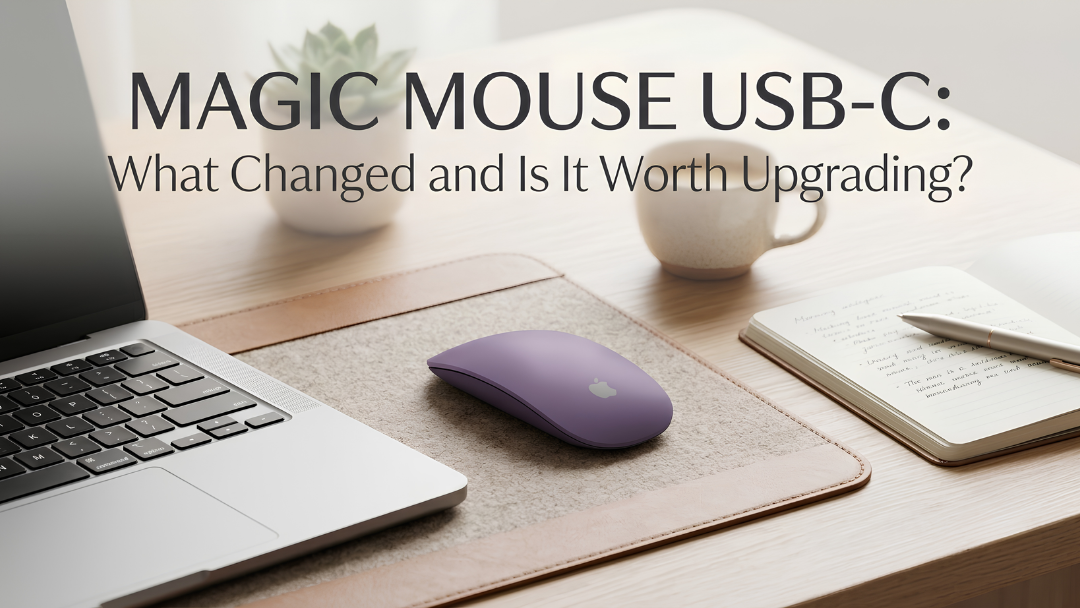
In October 2024, Apple updated the Magic Mouse with a USB-C port in place of Lightning. So what actually changed, and should you upgrade?
What changed
- The port: USB-C replaces Lightning, so you can charge your mouse with the same cable as your Mac, iPad and iPhone.
- The cable: it comes with a USB-C cable.

What stayed the same
- The design: the same low-profile shape and Multi-Touch surface.
- The port position: the charging port is still on the bottom, so you cannot use the mouse while it charges.
- The gestures: the same swipes, scrolling and Smart Zoom.
- Battery: a rechargeable battery that lasts about a month or more between charges, and a quick charge gets you going fast.

Is it worth upgrading?
Upgrade if you have moved everything else to USB-C and want one cable for all your devices, or if your old mouse's battery is wearing out.
Do not upgrade if your Lightning Magic Mouse works well and you do not mind keeping a Lightning cable. Performance is the same.
Tips for living with the bottom port
- Charge it overnight or during lunch, as a few minutes gives hours of use.
- Check the battery level in Control Centre or the Bluetooth menu.

A Magic Mouse in colour
Apple sells the Magic Mouse in white or black. Our hand-painted Magic Mouse USB-C comes in more than twenty finishes at AED 592, including Metallic Gold, Midnight Green Matte, Lavender Matte and Neon Green. See our Apple Mouse collection and our Magic Mouse colour guide.


