

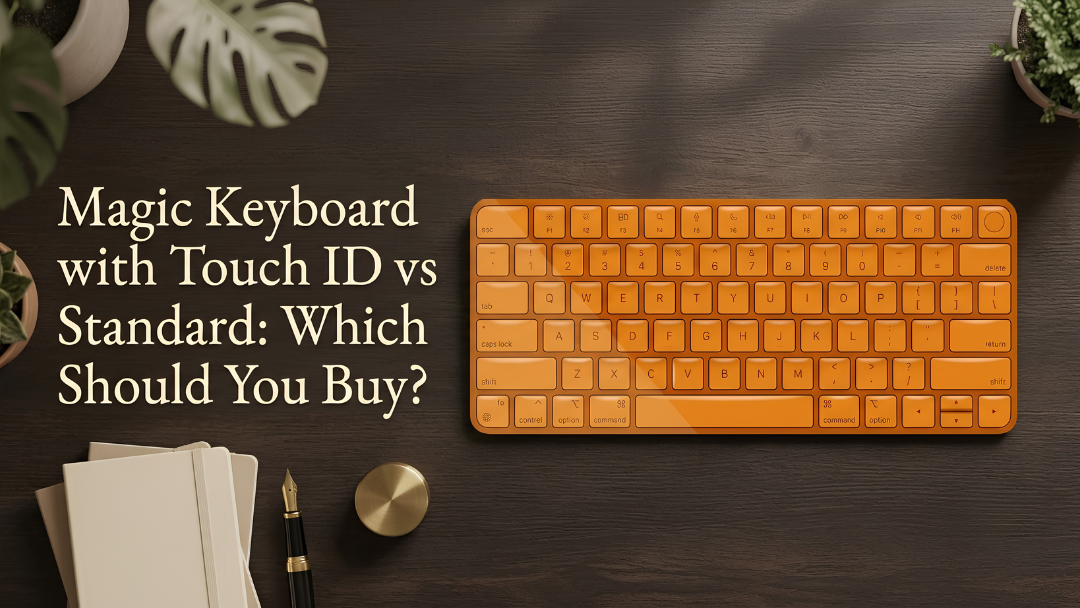
Apple's Magic Keyboard comes with or without Touch ID. Both type the same, but Touch ID adds a fingerprint sensor that makes everyday Mac tasks faster. Here is how to choose.
What Touch ID does
- Unlock your Mac with a fingerprint.
- Approve Apple Pay purchases online.
- Fill in saved passwords.
- Approve app installs and system settings changes.
- Switch between users with a touch.

Which Macs support it?
Touch ID on the Magic Keyboard works with Macs that have Apple silicon, such as M-series MacBooks, iMacs, Mac minis and Mac Studios. On older Intel Macs and on iPad, the keyboard still types normally, but the fingerprint sensor does not work.
Choose the Magic Keyboard with Touch ID if
- You use a Mac with Apple silicon.
- You unlock your Mac many times a day.
- You shop online or use a password manager often.
Choose the standard Magic Keyboard if
- You use an older Intel Mac or mainly type on an iPad.
- You want the best value.
- Your Mac is a laptop with Touch ID built in and you rarely use an external keyboard.

Painted options at Craft
- Magic Keyboard: AED 864, in colours such as Metallic Gold, Starlight, Pink and Neon Green. See the Magic Keyboard collection.
- Magic Keyboard with Touch ID: AED 1,080, in Metallic Gold, Starlight, Yellow and more. See the Touch ID collection.
Our verdict
If you have a Mac with Apple silicon, Touch ID is worth it for the time it saves every day. If not, the standard Magic Keyboard is the better value, and it looks just as good painted.


